
MJX Card account — register, sign in and reset your password
Create an MJX Card account, sign in, reset a forgotten password by email, sign out, and ask for your account to be closed.
An MJX Card account uses your email address and a password. One account can hold several cards. You must be 18 or older to register.
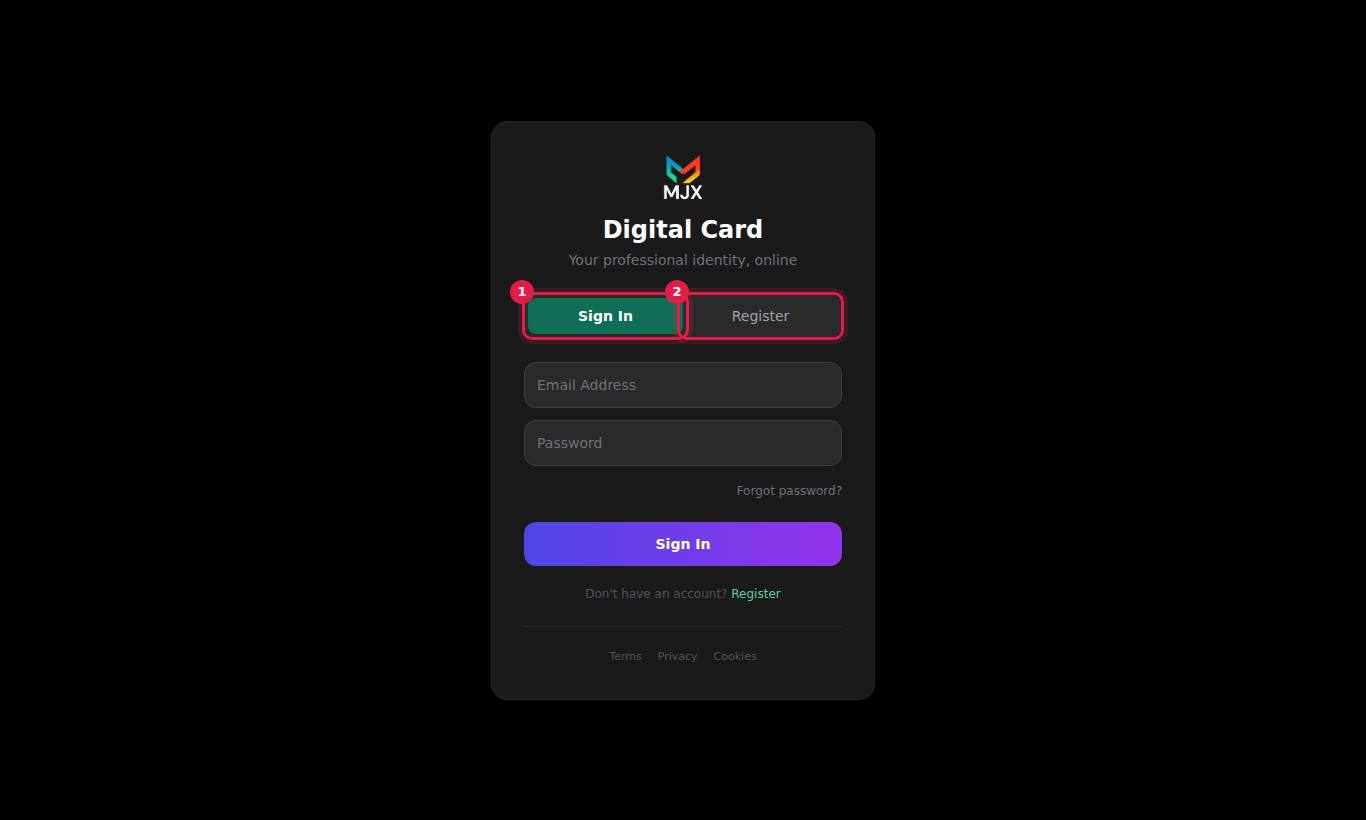
#How to create an account
- Go to mjxcard.mjxtechnologies.com/login.
- Press the Register tab.
- Fill Full Name, Email Address and Password (at least 6 characters).
- Press Create Account. By doing so you agree to the Terms, Privacy Policy and Cookie Policy linked above the button.
#How to sign in
- Go to mjxcard.mjxtechnologies.com/login. The Sign In tab is open.
- Enter Email Address and Password.
- Press Sign In (or press Enter).
You stay signed in on that browser for about seven days.
#How to reset a forgotten password
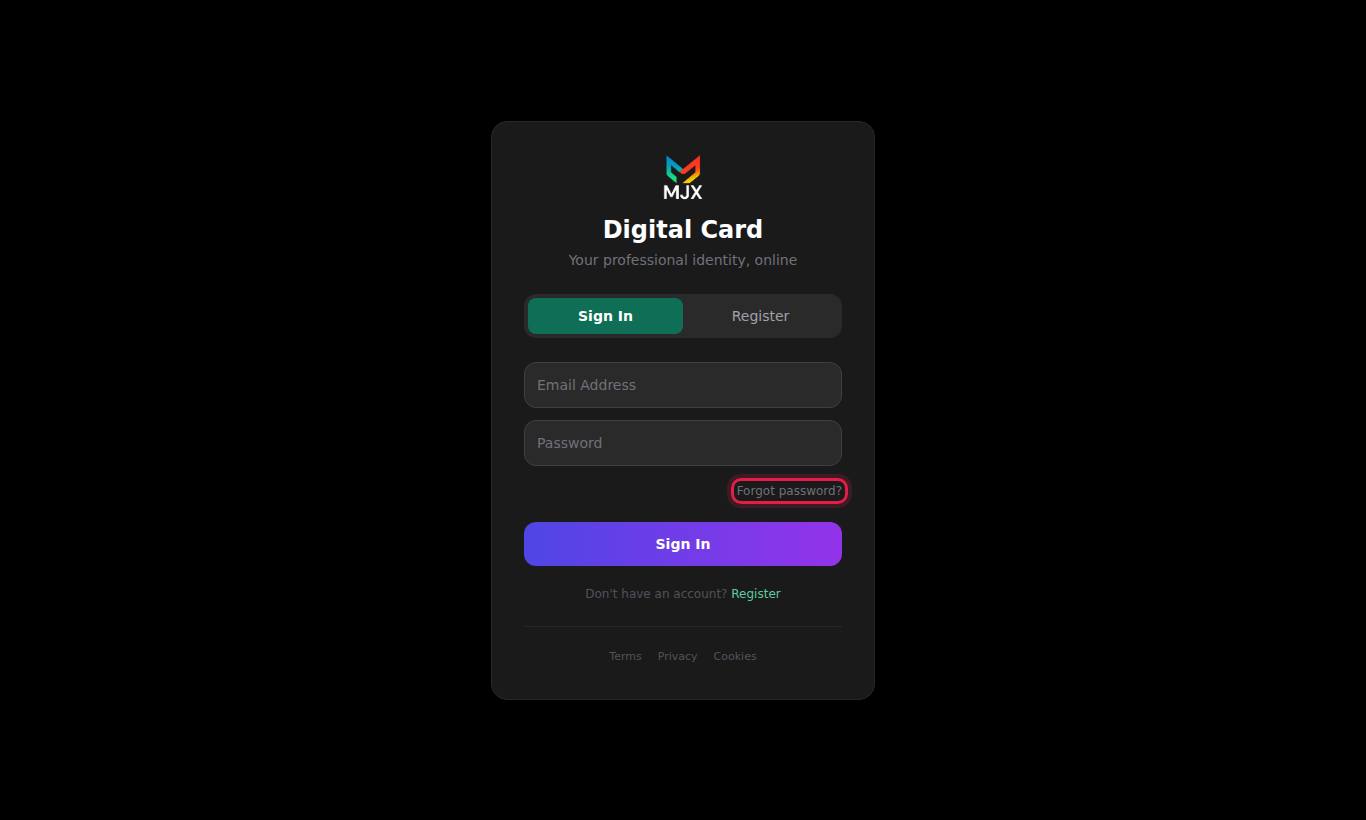
- On the sign-in page press Forgot password? (under the password box), or go to mjxcard.mjxtechnologies.com/forgot-password.
- Enter your Email Address and press Send Reset Link.
- You see "If that email exists, a reset link has been sent." Check your inbox (and spam) for "Reset your password".
- In the email, press Reset Password. The link works for one hour and only once.
- On the Reset Password page enter New Password and Confirm New Password (at least 6 characters), then press Reset Password.
#How to sign out
On the dashboard press Logout at the top right. This clears your sign-in from that browser. Always sign out on a shared or public computer.
#How to change your password while signed in
There is no "change password" screen in the dashboard. Sign out and use Forgot password? to set a new one.
#How to close your account
There is no self-service button to close an account.
- If you want, first delete each card yourself with Delete on the Profiles tab — this is immediate.
- Email [email protected] from the address on your account and ask for the account to be closed.
- MJX handles it by hand and confirms by email. It is done within 90 days at most, usually much sooner.
#Sign-in messages and what they mean
| Message | What to do |
|---|---|
| Please enter your name / your email / a password | A field is empty. Fill it in. |
| Please enter a valid email | The email address has no @. Check it. |
| Password must be at least 6 characters | Use a longer password. |
| Invalid credentials | The email or password is wrong. Check for typing mistakes, or use Forgot password?. |
| Email already registered | This email already has an account. Use Sign In. |
| This account has been suspended. Contact support. | MJX has suspended the account. Contact support. |
| Invalid or expired token | On the reset page: the link is older than one hour or was already used. Request a new one. |
| Passwords do not match | The two new password boxes are different. Type them again. |
| Invalid reset link | You opened the reset page without the link from the email. Use the button in the email. |
| Failed to send reset email | The email could not be sent. Try again later, or contact support. |
| Cannot reach server. Is the API running? / Something went wrong. Please try again. | A connection problem. Check your internet and try again in a few minutes. |
#Questions people ask
I forgot my password. What do I do?
On the sign-in page press Forgot password?, enter your email and press Send Reset Link. Open the email and press Reset Password within one hour.
How long do I stay signed in?
About seven days on the same browser. After that you are asked to sign in again.
Can I change my account email or name?
There is no setting for it in the dashboard. Email [email protected] from your account address and the MJX team will change it.
How do I close my account?
Email [email protected] from the address on your account and ask for it to be closed. It is done by hand, within 90 days at most and usually sooner.
Can I sign in with Google or a mobile OTP?
No. MJX Card uses email and password only.