
Save Contact — add a digital card to your phone
How the Save Contact button on an MJX Card adds the person to your phone contacts as a vCard, what it includes and how it works on Android and iPhone.
Every MJX Card ends with a Save Contact button. It creates a standard contact file (vCard, .vcf) with the card's details, and your phone adds it to your contacts — no typing needed.
#Steps to save a card to your contacts
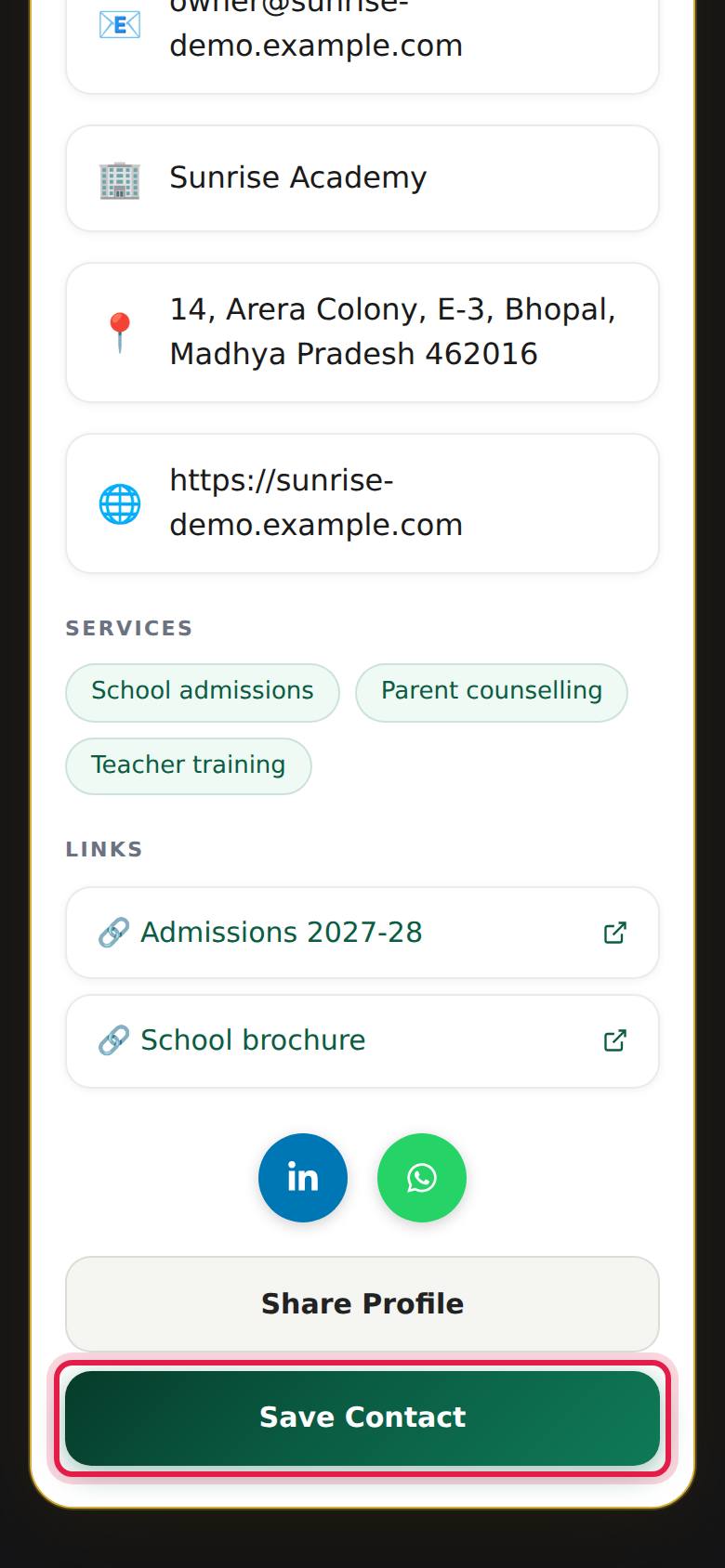
- Open the card link or scan its QR code.
- Scroll to the bottom and press Save Contact.
- Your phone downloads a file named after the person, such as
Priya-Nair.vcf. - Open the file (most phones open it straight away, or show it in a download bar).
- Choose to add it to your contacts, and press Save or Done.
#On Android
The file opens in your Contacts or Google Contacts app. Pick the account to save to (phone or Google) and save. If nothing happens, open Downloads and tap the .vcf file.
#On iPhone
Safari shows a contact preview. Scroll down and tap Create New Contact (or Add to Existing Contact).
#What the contact includes
| Contact field | Comes from the card's |
|---|---|
| Name (first and last) | Full Name — the last word becomes the surname |
| Company | Company / Organisation |
| Job title | Designation / Title |
| Mobile | Mobile Number |
| Work phone | Office Phone and Alternate Phone |
| Work email | Email Address |
| Work address | Address |
| Website | Website |
| Labelled links | "Digital Card" (the card link), LinkedIn, WhatsApp, Facebook, Instagram, YouTube, X and each custom link |
| Notes | One-line bio and the note banner |
The profile photo is not included in the contact.
#For card owners: making Save Contact work well
- Write Full Name as "First Last", e.g. "Priya Nair", so phones sort it correctly. A single word is saved as a first name.
- Put your main number in Mobile Number — it is saved as the mobile entry.
- Fill Company / Organisation and Designation / Title so people remember who you are.
#Questions people ask
What does Save Contact do?
It downloads a standard contact file (a .vcf vCard) with the card's details. Your phone offers to add it to your contacts.
Does it work on iPhone and Android?
Yes. The file uses vCard 3.0, which iPhone Contacts and Google Contacts both read.
Will the saved contact update if the card owner changes their number?
No. A saved contact is a copy at that moment. Open the card link again and save the contact again to get the new details.
Does saving a contact share my details with the card owner?
No. Saving a contact sends nothing back. The card owner only sees that the card was viewed, as a count.